Flow chart
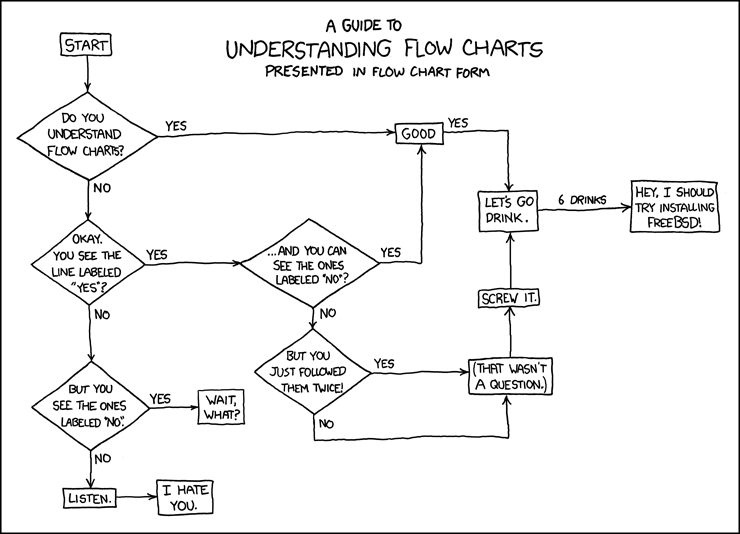
“A flowchart is a common type of diagram, that represents an algorithm or process, showing the steps as boxes of various kinds, and their order by connecting these with arrows. This diagrammatic representation can give a step-by-step solution to a given problem. Data is represented in these boxes, and arrows connecting them represent flow / direction of flow of data. Flowcharts are used in analyzing, designing, documenting or managing a process or program in various fields” ([http://en.wikipedia.org/wiki/Flow_chart Wikipedia, retrieved June 18 2010).
Types of flow charts according to use:
Traditional vs. extended flow charts:
See also: UML activity diagram, Taverna workbench (scientific workflow diagrams), BPMN (a graphical representation of BPEL).
The traditional flow chart explained

Links and bibliography
Software
Links
- Flow Chart (Wikipedia)
Bibliography
- Alan B. Sterneckert (2003) Critical Incident Management, Auerbach Publications, ISBN 978-0849300103 (p. 126 Google books)