SandBoxes
upgrade
MW 31
TEST Emacs editor
Test migration do new server. Editing works again maybe ?
Visual editor seems to work ... miracle ! .... and again for version 1.27 !!
Test again after installing the stl extensions
N Views:
1,965
Video
STL
Math
See https://www.mediawiki.org/wiki/Extension:Math/CoverageTest




Visual editor
Works again under 1,27 and the interface is a bit improved it seems.

It's alive in March 2017. After a minor upgrade ... ...... hi hi
TEst https
test lien
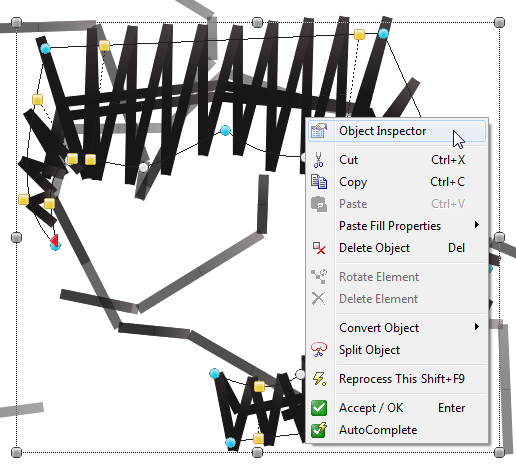
https://edutechwiki.unige.ch/mediawiki/images/8/8b/Stitch-era-context-menu-1.png

SMW SF
test if it is here
Transclusion
Elisabeth Murphy
Elizabeth is a professor of educational technology at Memorial University of Newfoundland, Newfoundland and Labrador, Canada. As part of one of her courses, she requires students to contribute to the EduTech Wiki. That requirement reflects her adherence to the principle that students learn through actively creating authentic artifacts and by constructing and sharing knowledge. The instructor's role in this context is to act as a mentor and guide in the creation process.
collaboration diagram
<collaborationdia page="Cognitive apprenticeship;Writing-to-learn"/>
Bliki testing
Special:Wikilog/Blog:Test;Template:WikilogTemplate2;2
dohaaaddd
New testing
Just type something
External link: tecfa
Small file caching test.
French accents: é à è ö ü
Testing as test
testing as test author
- DKS
- DKS
Testing Sandbox
My Testing Sandbox is not here anymore :)
- Test
- Test jEdit
| heading | heading |
|---|---|
| cell | cell |
| cell | cell |
Again ....again
Variables
Revision user = Daniel K. Schneider (does not yet work, planned for summer 2009)
| heading | heading |
|---|---|
| cell | cell |
| cell | cell |
Collection extension
2) Exclude certain specific content
By using Template:Hide in print, certain specific content, such as a few words or an image, can be excluded from printing.
This content will be printed. This content will be printed again.
3) Include certain specific content only in print versions
The Template:Only in print can be used to insert content that shall only be visible in offline versions.
Example:
- Hidden in browser -> this is visible only in PDFs or printed books, not with the browser<-
- This is visible again in the browser and in print as well.